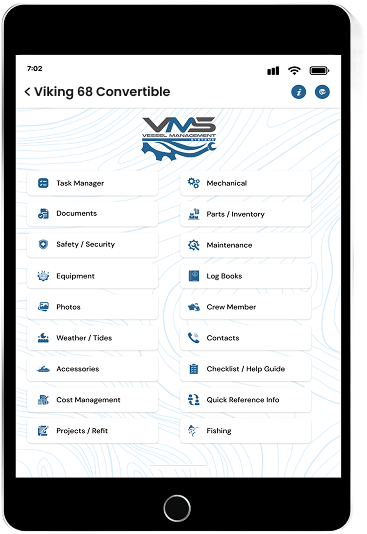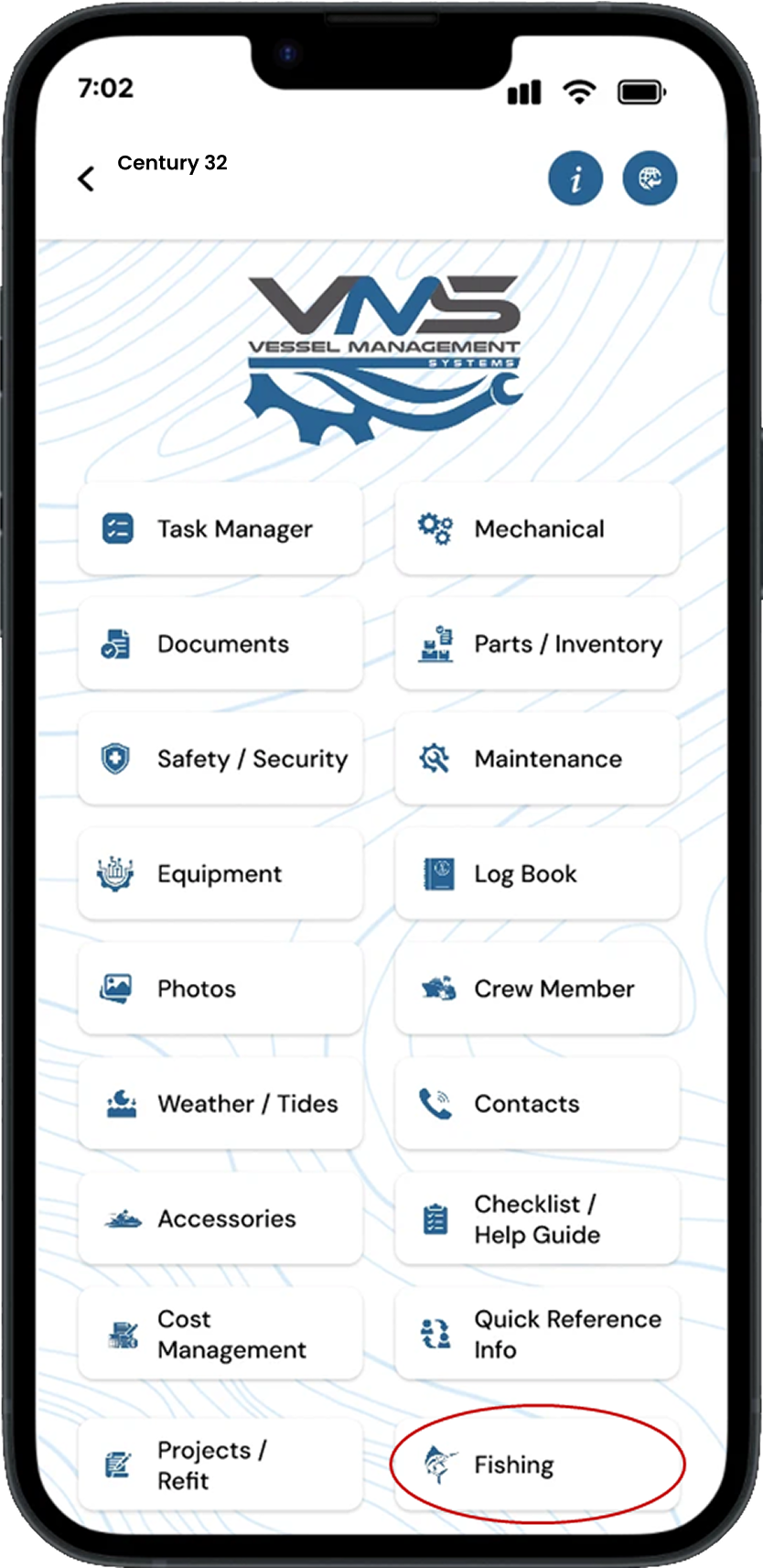
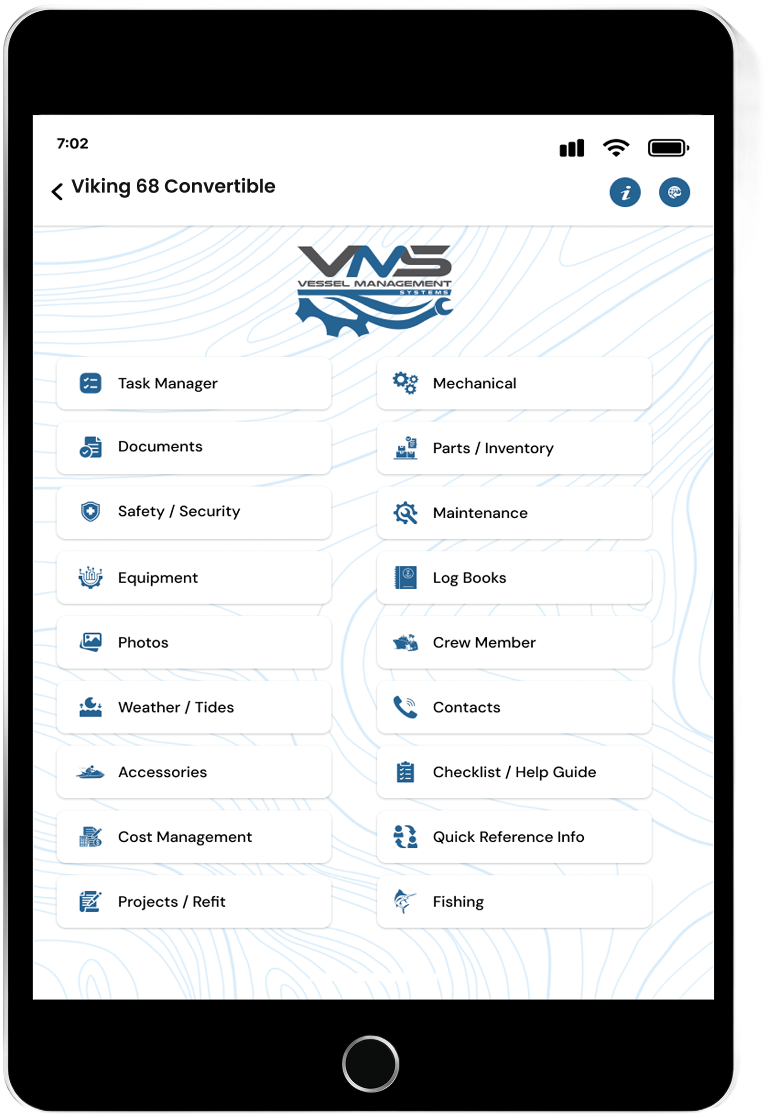
Task Manager
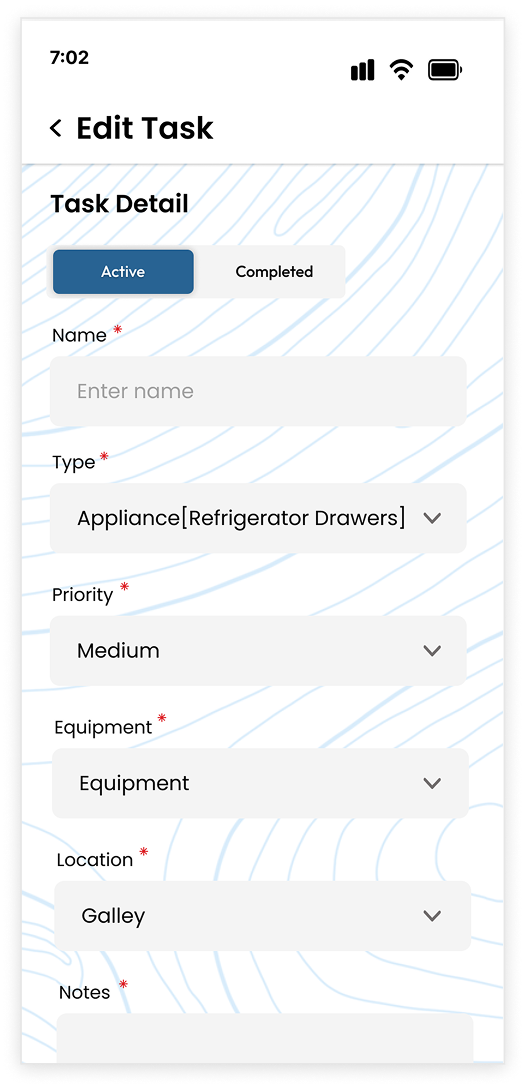
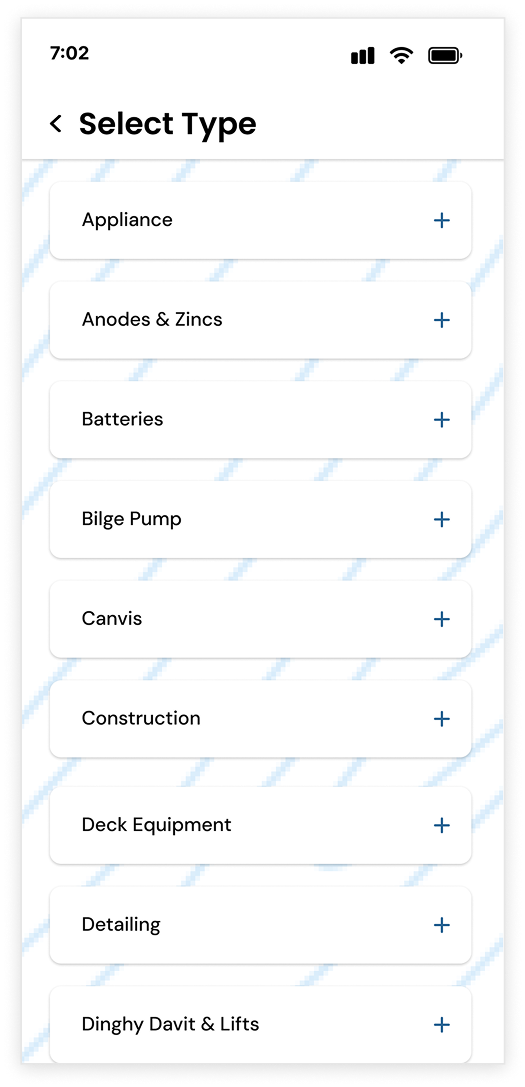
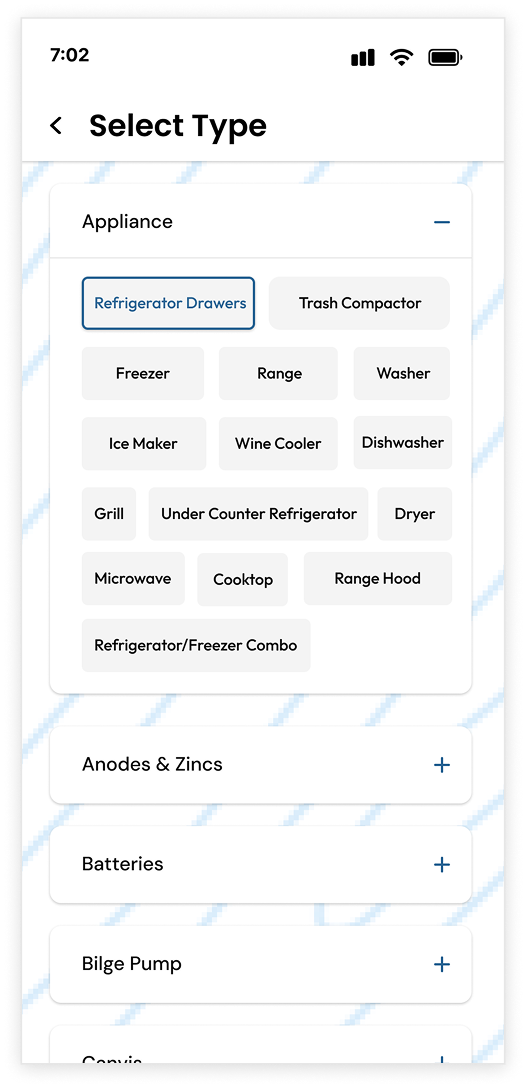
You simply can select from a wide range of options already loaded
in the system or enter in notes of what needs to be preformed in
more detail if needed, then schedule the date you need the task
preformed and assign it to the proper subcontractor or crew
member. You then have the ability to send the task off via Text
Message or Email to the appropriate subcontractor or crew member
to perform the work.

Mechanical
The Mechanical area is setup to store information on any specific
piece of equipment you may have onboard. It is setup with the
general information about the specific piece of equipment and you
can also keep all your Maintenance records, Service records,
Warranty Documents, and Photos of all your equipment organized in
one easy to use location.

Document
Storage area, this gives you the ability to store all your
important documents in one easy to access place. Documents such
as, Vessel Manuals, Registration, Maintenance Recorders, Invoices,
Insurance Policies, Surveys and many others.

Parts / Inventory
This area you can keep track of all your parts for your vessel and
it also has the ability to have a counter of all your parts on
hand and it will also alert you if your inventory is getting low.
This is a great feature for world cruisers to make sure you have
parts on hand for when cruising in the most remote places in the
world.

Safety / Security
We have a library of safety checklist to help you with making sure
you and your crew is safe on the water. We are also unveiling some
exciding new Security features coming soon that we know you will
appreciate

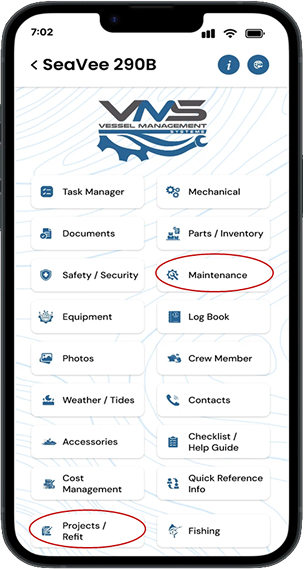
Maintenance
This will allow you to schedule and maintain all your vital
maintenance items that needs to be services. You have the ability
to send these request to anyone you want via text message and
email.

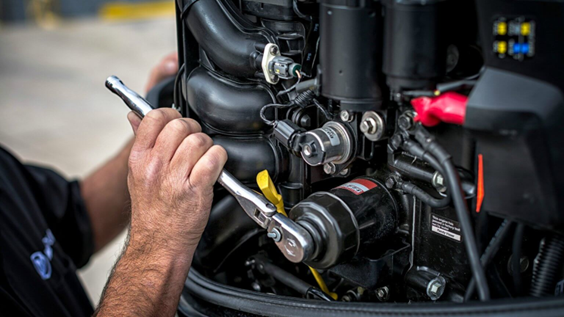
Equipment
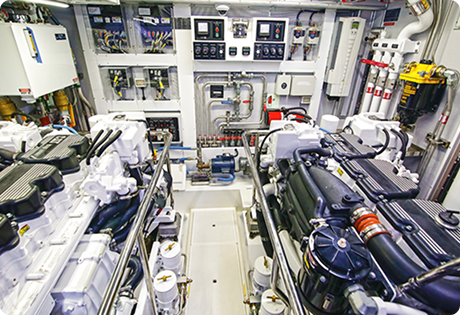
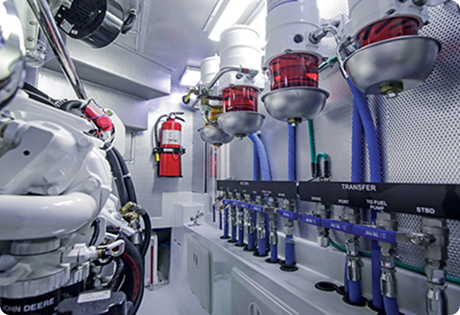
Area is set up in a way that you can input all your equipment and
keep these recorded organized. This is everything from Electronic
to Prop Size to Refrigerator to Sea Strainer to Engine Water Pumps
and much much more

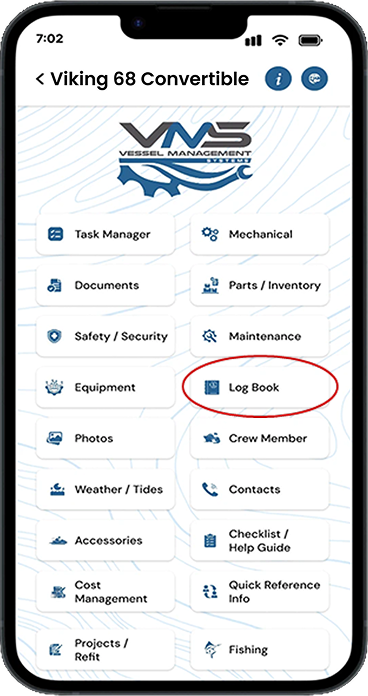
Log Book
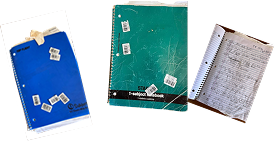
The Log Book area is another wonderful feature, we have a General
Log, Trip Log, Inspection Log, Engine Log, and Fuel Log. You can
input data in these log and keep them for your records.

Photos
The photo area is storage area much like your cell phones, you can
create gallery and keeps all your photos in one central place.

Crew Member
This is a great function, this allows you to input all your crew
member and other personal that you want to keep their information
in one central location. This also allows you to assign tasks to
the crew members through other functions through out the VMS App
system.

Weather / Tides
This Function bring you the most up to date Weather & Tide carts to you
at your finger tips and is a vital tool for safe navigation.

Contacts
Setup to keep all your important contacts stored in one easy
place.

Accessories
This area catalogs accessories that you keep on your vessel like
Dingies, Jet Skis, Kayaks, Paddle Boards, Dive Gear, SEABOB’s and
many other special items you may have onboard

Checklist / Help Guide
We have many great checklists and help guides. Everything from
Pre-Departure checklist, Arrival checklist, Safety checklist,
General Maintenance checklist, Strom & Hurricane Preparedness Help
guide, Sportfishing Checklist and many more being add all the time
to help our clients always be prepared.

Cost Management
This area is a great tool and you have the ability to track the
cost and expense of projects and maintenance of your vessel

Quick Reference
This function that allows you to keep subcontractors info in
onecentral place allowing you to access this information quickly
and easily. Example: Towing Companies, Fueling companies, Diving
Companies, Marinas, Catering / Provisions and many others.

Project / Refit
This area has the ability to set up, track and catalog all your
Project / Refit projects. For example: replacing main engines and
generators, installing new cabinetry, bottom painting, replace
zinc’s on running gear, replacing electronics, batteries and much
much more. If you need it done, this area can help you catalog and
keep track of every aspect of your project

Fishing
This is a very unique area, this can be utilized for your average
recreational fisherman to a charter captain. You have the ability
to catalog your fishing trip, add photos and date, time and areas
you where fishing and other items such as what type or style of
fishing you did and add notes in the systems like what you caught
and what the conditions were. Another great feature is our Tackle
Station,this will give you the ability to access hundreds of items
and make a shopping list for items you need for your upcoming trip
or to replenish your tackle so you are ready for the next trip.





 Equipment